Web browsers
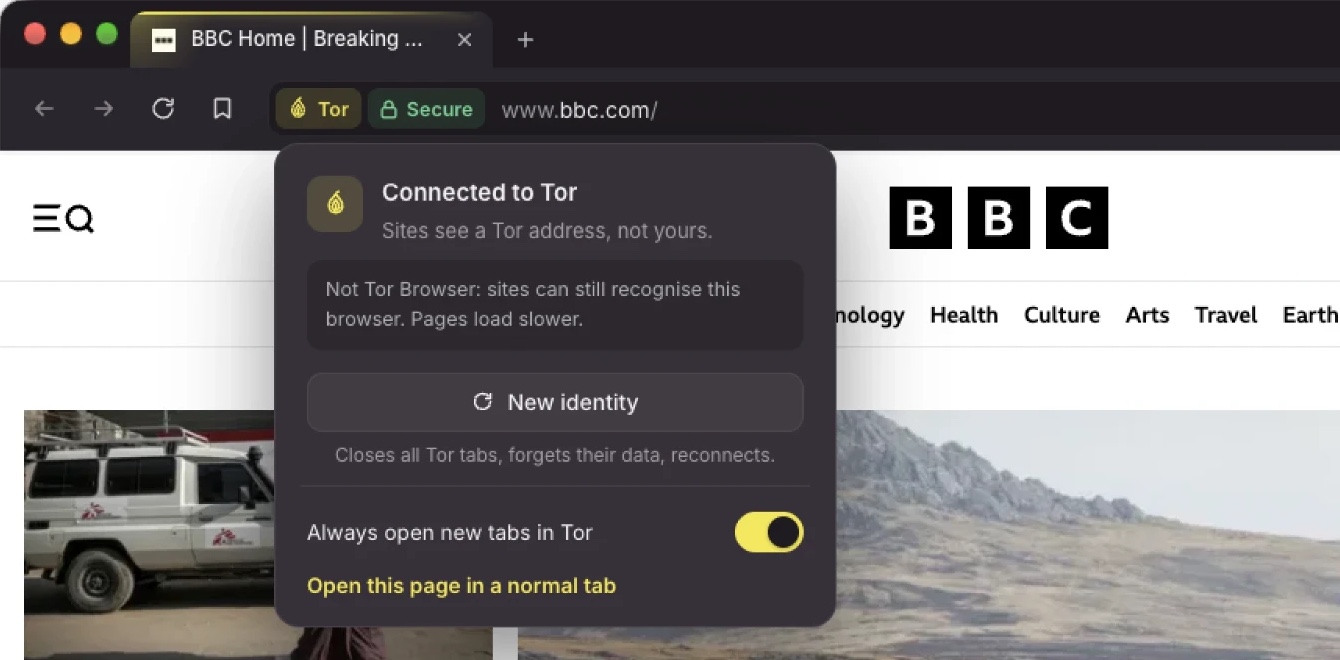
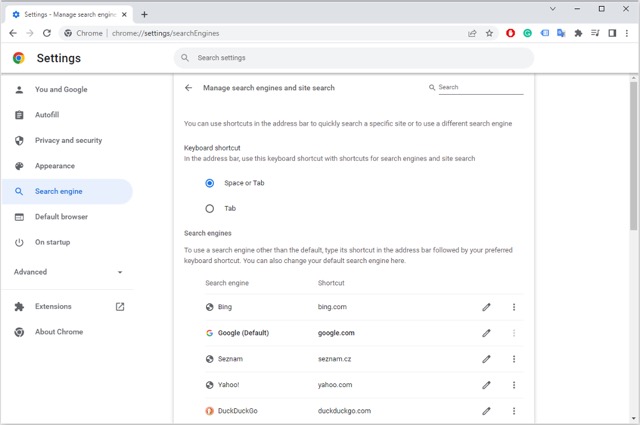
How to remove other search engines from Google Chrome
Delete search engines you do not use in Chrome’s Manage search engines and site search page, change the default, and stop one that keeps…

How to uninstall Google Chrome completely on Win and Mac
Uninstalling Chrome leaves your profile folder behind. How to remove the app and its data on Windows 11 and Mac, and what to save before…
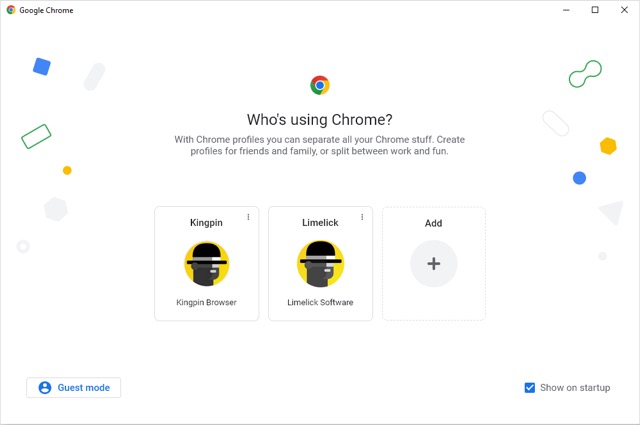
How to turn off (or delete) Google Chrome profiles
Stop Chrome from showing the profile list at startup, delete the profiles you do not use, and see what profiles do and do not protect on a…
9 Best browsers for Windows (PC or laptop)
Nine browsers for Windows 10 and 11 compared: engine, cost, what each blocks by default, extension support and the real trade-offs. Listed…
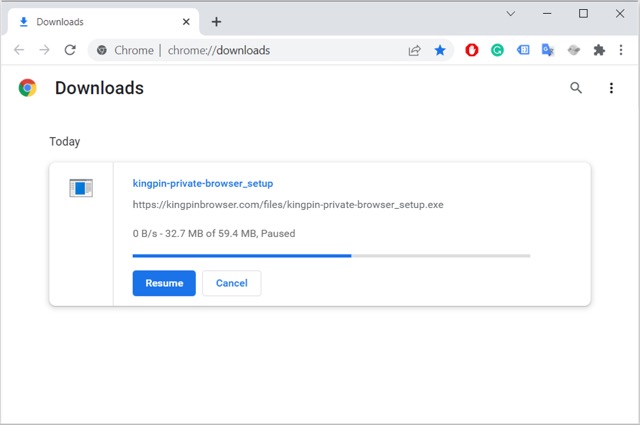
How to unblock downloads in Chrome (Is it a good idea?)
Why Chrome blocks a download, how to keep a blocked file when you are sure it is safe, and why turning off Safe Browsing is the wrong way…
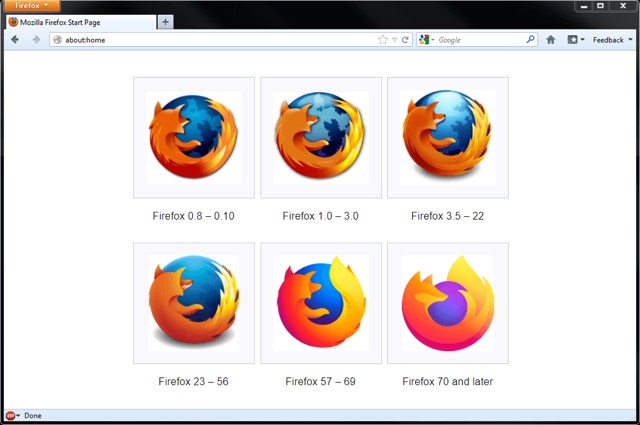
How to restore Firefox to the previous (or install older) version
Mozilla advises against downgrading Firefox. Why, what to try first, and how to install an older version with a separate profile if you…

How to disable page auto-refresh on Safari Mac
Safari has no switch for automatic page reloads. How to tell whether Safari or the website reloads the page, and what stops each kind of…

How to allow and how to block popups on Firefox
Where the Firefox pop-up blocker is in Settings, how to allow pop-ups for one website or for all, and why some pop-ups still get through.
Microsoft Edge vs. Google Chrome, which browser is better?
Edge and Chrome share the same engine and most extensions. They differ in tracking protection, built-in tools, AI assistant and the account…

How to unblock a website on Chrome (step-by-step guide)
A website can be blocked by Chrome, an extension, your computer, your network or the site itself. How to tell which one it is and what you…

How to stop Chrome from auto reloading (refreshing) tabs
Chrome reloads background tabs because Memory Saver took them out of memory. How to keep chosen sites active, turn Memory Saver off and…

Brave vs. Firefox: detailed browser comparison
Brave blocks ads and trackers out of the box and runs on Chrome’s engine. Firefox blocks trackers, uses its own engine and leaves ad…
How to search for text within a web page in Safari Mac
Press Command-F to find a word or phrase on a web page in Safari on Mac. The menu commands, the shortcuts for the next match and the steps…
Safari vs Firefox: Which browser is better for Mac?
Safari and Firefox both limit tracking by default. They differ in platforms, extensions, sync and updates. A factual comparison for Mac…
Why is Google Chrome loading slow? 10 Solutions
Slow pages in Chrome come from the connection, too many tabs and extensions, or low memory. Ten fixes for Windows and Mac, with the current…
How to update the Safari browser on your Mac
Safari updates arrive through macOS Software Update. Where to find them, how to update only Safari on an older macOS and what to do when no…
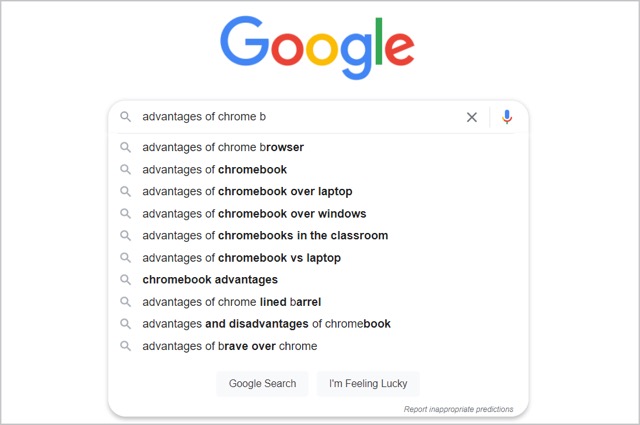
Advantages and disadvantages of Google Chrome
Chrome runs everywhere, syncs with a Google Account and gets a new version every two weeks. It also allows tracking cookies by default and…
Firefox vs Chrome: Memory usage, performance, security
Firefox blocks trackers by default and still runs full ad blockers. Chrome fits best with Google services. What can and cannot be said…