Web browsers

How to disable automatic Chrome updates in Win and Mac
Chrome has no setting to turn off updates. What you can do on a home computer, and how administrators pause or pin Chrome versions by…
Does Safari keep crashing on Mac or iPhone? Here’s a fix
What to do when Safari freezes or quits on Mac, iPhone or iPad: reopen it, update and restart, turn off extensions, clear website data,…
How to reopen recently closed tabs on Chrome
Press Ctrl + Shift + T (Command + Shift + T on Mac) to reopen a closed tab in Chrome. Also: the History menu, tabs from other devices,…
How to remove thumbnail shortcuts from Chrome New tab
Hide or remove the site shortcuts on Chrome’s New Tab page with the Customize Chrome panel, and keep your most visited sites from showing…
Difference between a search engine and web browser
A web browser is the app that opens websites. A search engine is a website that finds pages for you. How the two work together and why they…

How to stop redirects and popups in Chrome
Chrome blocks pop-ups and redirects by default. If they still appear, check the allowed sites, notification permissions, extensions and…
Safari vs Chrome, which browser is suited for you?
Safari limits cross-site tracking by default and syncs through iCloud. Chrome runs on every system and syncs with a Google Account. How…
11 Best browsers for Mac (Safari alternatives)
Eleven Mac browsers besides Safari: the engine each one uses, what it blocks by default, what it costs and what it lacks. Listed…
Safari won’t quit? How to Force quit Safari browser
Six ways to force quit a frozen Safari on Mac: keyboard shortcut, Apple menu, Dock, Activity Monitor, Terminal and restart. Plus what to do…
8 tips to increase download speed in Chrome
Your connection and the server usually set the limit on download speed in Chrome. Eight tips to find the bottleneck, plus the parallel…
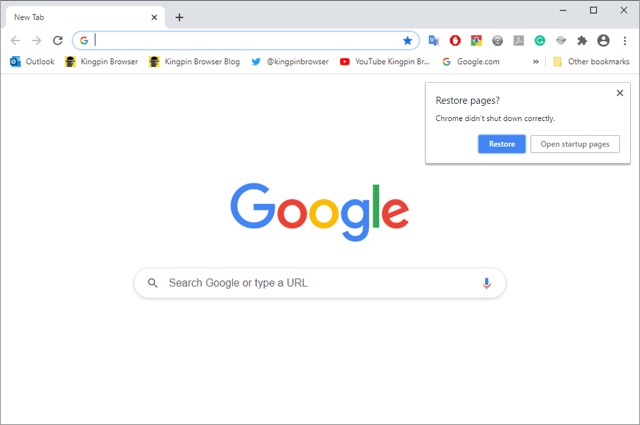
Chrome didn’t shut down correctly: restore or fix?
The message means Chrome was closed without a normal exit. Click Restore to get your tabs back. If it appears at every start, these fixes…
YouTube comments not showing or loading: how to fix it
YouTube comments stay empty when they are off for the video, when Restricted Mode is on, or when an extension blocks them. How to check…
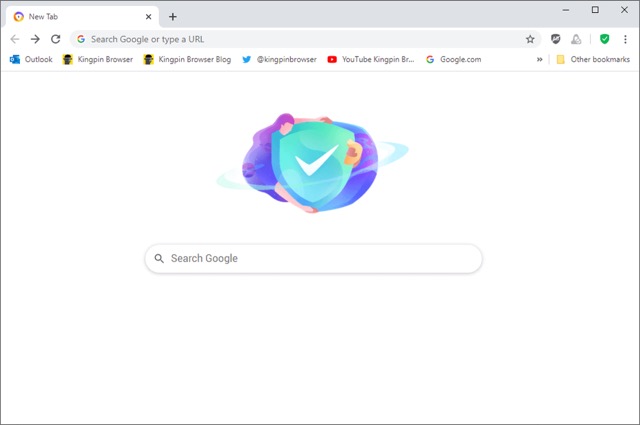
How to stop Avast Secure Browser from opening on startup
Turn off the startup setting in Avast Secure Browser, disable it in Windows 11 startup apps, or uninstall the browser without removing…
How to uninstall, reinstall, or reset Safari on Mac
Safari cannot be uninstalled and has no Reset button. How to clear its history, website data, caches and extensions, and how to reinstall…
How to change your Safari homepage on Mac
Set any page as your Safari homepage on a Mac, make new windows and tabs open it, and fix a homepage that Safari ignores or that keeps…

How to stop Chrome from opening new tabs for every link
If every Google result opens in a new tab, a Google Search setting is on. How to turn it off, and what to check when other links or pop-ups…
Reset Safari on Mac without opening (using Terminal)
The old Terminal commands for resetting Safari fail on current macOS. What Terminal can still do, and the supported way to reset a Safari…
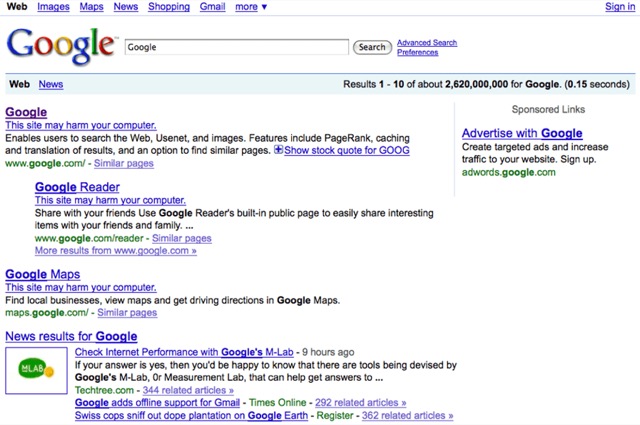
What is the difference between Google and Chrome?
Google is a company and its search engine. Chrome is the web browser that Google makes. You can use either one without the other. A short…